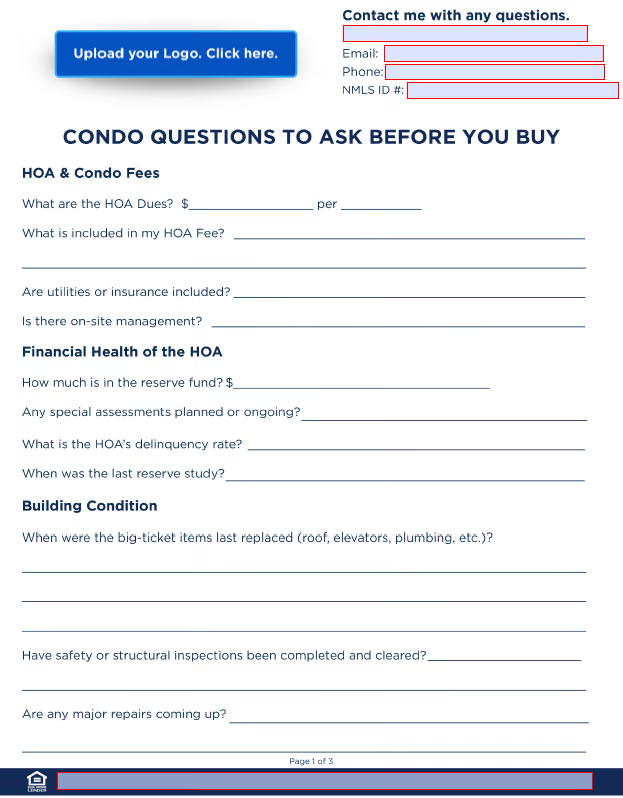
Download and Save Download the flyer and save it to your computer.
Open the Saved File Navigate to the location where you saved the flyer file and open it using a compatible application like Adobe Acrobat Reader or a similar PDF viewer.
Complete Fillable Fields Locate and fill in all fillable fields within the flyer, ensuring all information is accurate and up-to-date. This includes adding your company's legal disclaimer where required.
Add Your Logo Click on the "Add Your Logo" field and insert your logo. Note: Your logo must be an image file (PNG, JPG, JPEG, or TIFF).